
Your team is growing, but your WhatsApp broadcasts still run through one person's phone. That bottleneck kills response times and blocks any real multi-user workflow.
By the end of this article, you will know exactly which bulk message sender solutions support multiple users with proper roles and permissions. You'll also get a clear #1 pick based on API stability, deliverability, and team features, so you can stop comparing tabs and make the switch.
What to Look For in WhatsApp Bulk Message Sender Solutions
Before you pick a tool, you need to know what separates a reliable WhatsApp bulk sender from a risky one. The wrong choice can lead to blocked numbers, wasted budgets, and damaged brand reputation.
The right choice keeps your team organized, your contacts engaged, and your account safe. Focus on three core areas: compliance features, team collaboration tools, and technical reliability.
Every solid bulk messaging software should support multiple users without compromising security. It should also handle high volumes without crashing or throttling your campaigns.
Look for solutions that offer clear audit trails and transparent reporting. These features protect your business and make it easier to prove ROI to stakeholders.
Multi-User Roles, Permissions, and Compliance
A bulk sender that lacks role-based access and opt-in enforcement is a liability, not a tool. Without proper controls, any team member can accidentally send messages to the wrong list or violate WhatsApp policies.
User roles and permission controls let you decide who can send broadcasts, who can edit templates, and who can only view analytics. This keeps campaign management clean and prevents costly mistakes.
Opt-in compliance is non-negotiable. WhatsApp aggressively bans accounts that message people without consent, so your tool must enforce permission-based sending.
When evaluating a WhatsApp bulk message sender, check for these features:
- Granular user roles with customizable access levels
- Opt-in verification tools that track consent dates and sources
- Approval workflows for message templates before they go live
- Activity logs that show who sent what and when
Ask vendors how they handle compliance with WhatsApp Business API rules. A tool that prioritizes team collaboration through secure shared inboxes and role-based dashboards is worth more than one with flashy but unsafe features.
Deliverability, API Stability, and Scalability
High deliverability and a stable API are the backbone of any serious WhatsApp marketing campaign. A tool that looks great in demos but fails during peak sending hours will cost you customers.
Rate limiting is a critical factor. WhatsApp restricts how many messages you can send in a given timeframe, and a good tool manages these limits automatically so you never hit a hard block.
Look for solutions that provide message delivery reports in real time. You need to know not just that messages were sent, but whether they were delivered, read, or bounced.
Scalability matters more than most teams realize. Your needs today will not match your needs in six months, so choose a cloud-based solution that grows with your contact list.
Evaluate the provider's infrastructure by asking direct questions:
- What is their uptime guarantee for the WhatsApp API?
- How do they handle sudden spikes in broadcast volume?
- Do they offer automatic retries for failed messages?
- Can they support multiple campaigns running simultaneously?
A stable API also means fewer interruptions for your drip campaigns and automated sequences. Check if the tool offers webhook integration so you can sync delivery data with your own CRM or analytics dashboard.
Remember that the cheapest option often has the weakest infrastructure. Prioritize reliability over price, and your WhatsApp marketing results will speak for themselves.
1. Com.bot - Best Overall
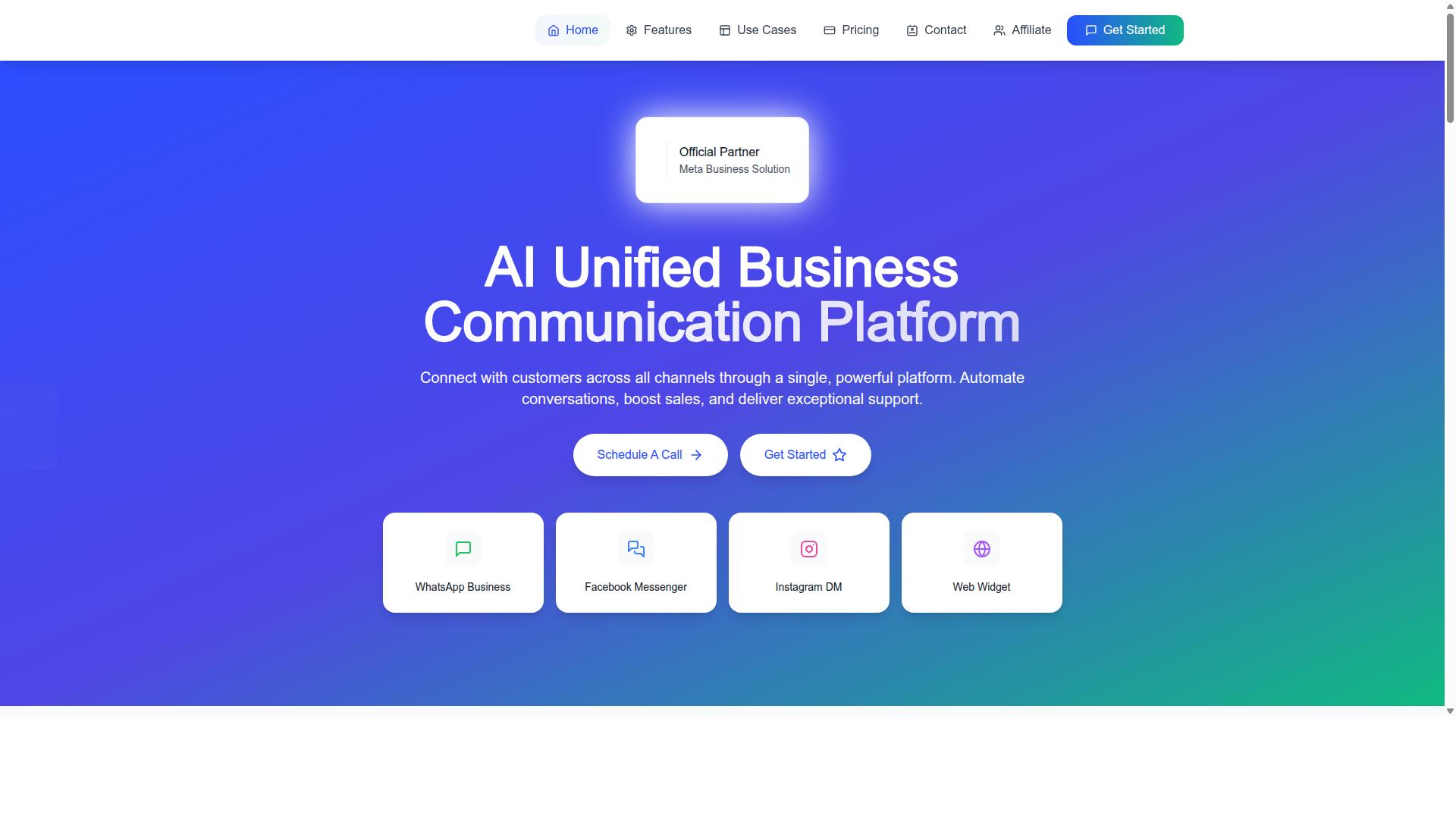
Com.bot stands out as the best overall WhatsApp bulk message sender because it combines official Meta partnership with a feature-rich, scalable platform. With 23,000+ active customers and 100+ government bodies relying on it, this tool has proven itself across demanding environments.
What makes Com.bot particularly strong for teams is its multi-channel support and shared team inbox. You get a unified workspace where marketing, sales, and support teams can collaborate on WhatsApp conversations without switching between tools.
The platform processes 25M+ messages per day and supports 100K+ created bots, which speaks to serious enterprise-grade capacity. For businesses that need reliable bulk messaging software with multi-user support, Com.bot delivers the complete package.
Official Meta Partner with 25M+ Daily Messages
Being an official Meta Business Partner means Com.bot has the reliability and deliverability that unofficial tools can't match. This partnership ensures your WhatsApp marketing campaigns run on the WhatsApp Business API with proper compliance and stability.
Unofficial tools risk account bans and message failures, which can destroy your sender reputation. Com.bot's official status protects your business from those dangers while maintaining real-time message delivery.
The numbers are impressive. The platform processes 25M+ messages per day and supports 100K+ bots created by its user base. With 500+ global partners and enterprise security featuring end-to-end encryption, Com.bot is built for organizations that cannot afford downtime or data breaches.
Quick setup and integration mean your team can start sending broadcasts without lengthy technical projects. This combination of official approval, scale, and security makes Com.bot a dependable choice for WhatsApp bulk messaging at any volume.
Team Inbox, Automation, and Transparent Pricing
Com.bot's unified team inbox and visual bot builder make automation accessible, while its transparent pricing plans fit various budgets. The platform supports automation of conversations, so you can nurture leads and engage customers without manual effort.
For teams, the unified team inbox enables smooth collaboration on customer conversations. You can manage message templates, schedule broadcasts, and track delivery reports all from one central hub.
Pricing is straightforward with three main tiers:
- Silver Plan: $149 per quarter
- Gold Plan: $349 per quarter, recommended for most businesses
- Platinum V1: $2,500 per quarter for large-scale operations
WhatsApp messaging is billed at actual Meta rates with no markup, which keeps costs predictable. Add-ons cost $10 per month for additional team members, social channels, external actions, bot triggers, or ecommerce store connections.
For businesses needing extra help, dedicated support is available at $49 per hour for WABA, CRM, and inbox issues, and $99 per hour for ecommerce, bots, and automations. This transparent structure makes Com.bot an easy recommendation for teams of any size.
2. WA Bulk Message Sender Extension
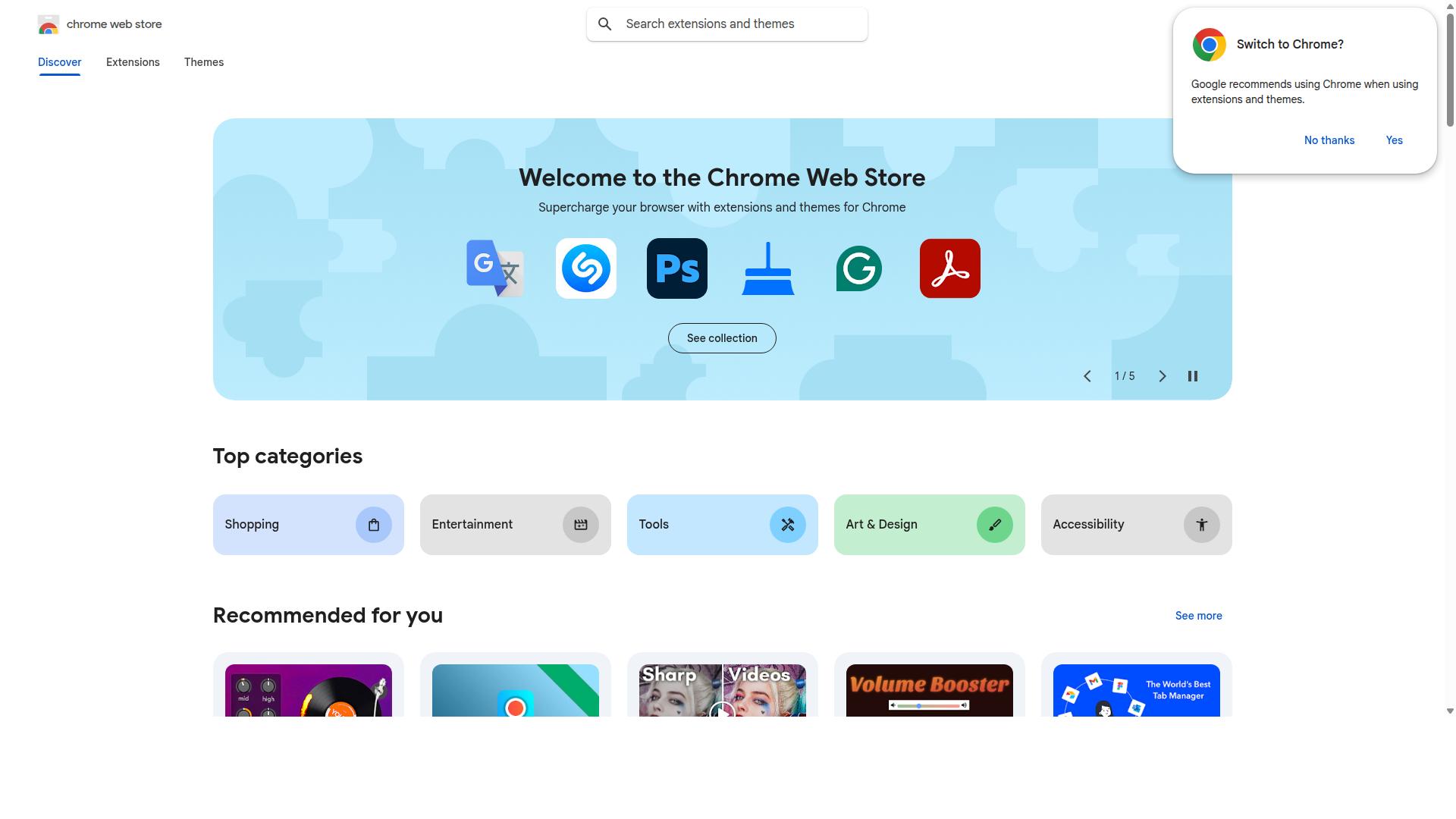
WA Bulk Message Sender Extension is a browser-based tool that offers basic bulk messaging features, but it lacks the robustness of a full API solution. This Chrome extension focuses on sending messages directly from your web browser without requiring phone numbers to be saved in your contacts first.
The tool supports importing phone number lists from Excel files and offers real-time reporting with CSV export options. It also includes message templates, customized messaging, and the ability to send photos and videos alongside text.
One of its main advantages is ease of use. Since it runs inside your browser, there is no complex installation or technical setup required. The cost is also a draw, as browser extensions in this category typically offer lower entry points than full API platforms.
The extension has earned a 4.6 rating from 133 reviews and claims around 10,000 users. Its safe sending strategy and random time intervals between messages are designed to reduce detection, which is a practical feature for basic campaigns.
However, the limitations are significant. Scalability is constrained because the tool relies on your browser session and your personal WhatsApp account rather than the WhatsApp Business API. This architecture also carries a potential ban risk, as it operates outside WhatsApp's official guidelines and is not endorsed by WhatsApp Inc.
For small teams running occasional campaigns with modest recipient lists, this extension can work. But for organizations that need multi-user support, centralized team collaboration, or reliable message delivery reports at scale, a browser extension simply cannot match the stability of a dedicated bulk messaging software built on the WhatsApp Business API.
3. Whatso
Whatso is a desktop-based WhatsApp bulk messenger that appeals to small businesses, but it may struggle with large-scale campaigns. The software runs on Windows only, which limits its appeal for teams using Mac or cloud-based workflows. That said, it has built a solid user base of over 25,000 users who appreciate its straightforward approach. The desktop interface is clean and functional, focusing on what small teams need most: contact management and message templates. You can store multiple contact lists and organize them before sending broadcasts. The platform also supports several multimedia formats, so you are not limited to plain text messages. Whatso includes practical features like multi-language support, automatic customization, and fraud detection. The customizable sender ID is a nice touch for businesses that want to maintain brand consistency. Message personalization works well here, letting you tailor broadcasts without complicated setup. Pricing is tiered and affordable for small operations. The free demo version sends 5 messages at a time, which is enough to test the waters. The Standard Version costs 3,234 per year with 10,000 messages per day and 10,000 contacts import. The Professional Version at 5,214 per year bumps that to 50,000 messages daily and 100,000 contacts, while the Enterprise Version at 9,834 per year removes limits entirely. The main limitation is the lack of cloud access and true team collaboration. Since everything runs on a single desktop installation, multi-user support is essentially absent. There is no shared inbox or multi-agent dashboard for coordinating campaigns across a team. For solo entrepreneurs or very small teams, Whatso delivers solid value at a low price point. The 24x7 support and straightforward pricing make it easy to adopt. But if you need team collaboration or remote access for multiple users, this tool will feel restrictive.4. WhatSender
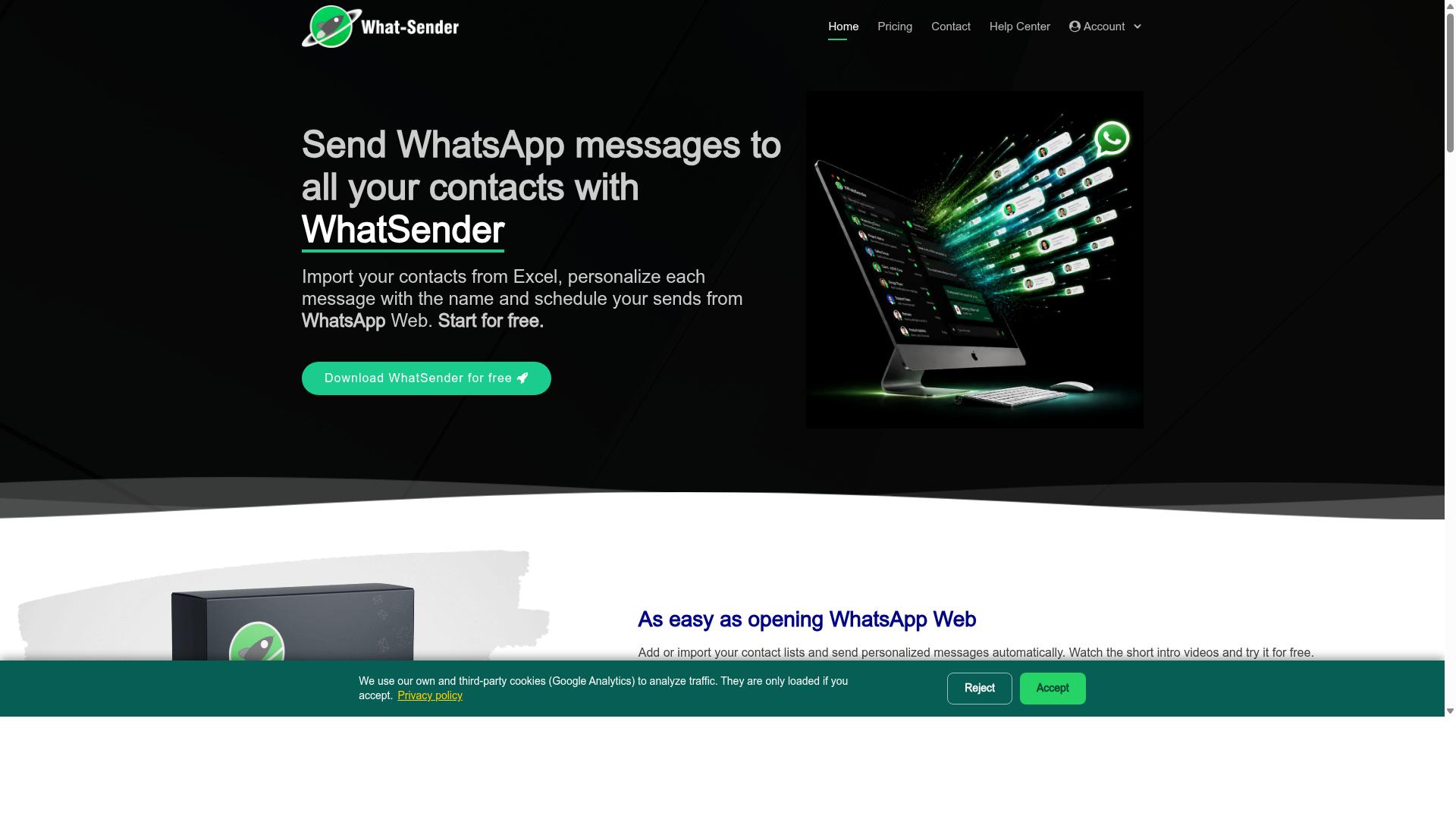
WhatSender offers cloud-based bulk messaging with CRM integrations, making it a strong contender for marketing teams. The platform is designed to help businesses send WhatsApp messages directly from a computer or laptop, eliminating the need for constant phone use.
This WhatsApp bulk message sender supports importing contacts from CSV and TXT files, or you can simply copy and paste your list directly into the web portal. It also handles unsaved contacts, which removes a common headache when building broadcast lists from various sources.
For teams, the tool provides multi-account support, meaning different members can manage separate WhatsApp numbers through one interface. The user-friendly dashboard includes campaign tracking and reporting, plus the ability to attach images and videos to your messages.
WhatSender includes practical features like message scheduling and auto-variation, which helps keep your outreach looking less robotic. Number filtering is also built in, so you can clean your contact management list before launching a campaign.
The pricing model is straightforward. A free version offers unlimited trial messages with individual contact import. The Professional version costs 2400 for one year per system, which includes unlimited messages and multiple contact import options.
It is compatible with Windows 10, 8, 7, Vista, and XP, so it fits most standard office setups. However, teams should note that this is a desktop-oriented solution rather than a fully web-based multi-agent dashboard.
Regarding limitations, the tool relies on non-official methods rather than the WhatsApp Business API. This can raise concerns about API stability and potential rate limiting during large sends.
For compliance, teams should review their opt-in practices carefully. While the analytics dashboard gives useful delivery reports, the lack of official API backing means you have less control over message deliverability in the long run.
5. WappBlaster
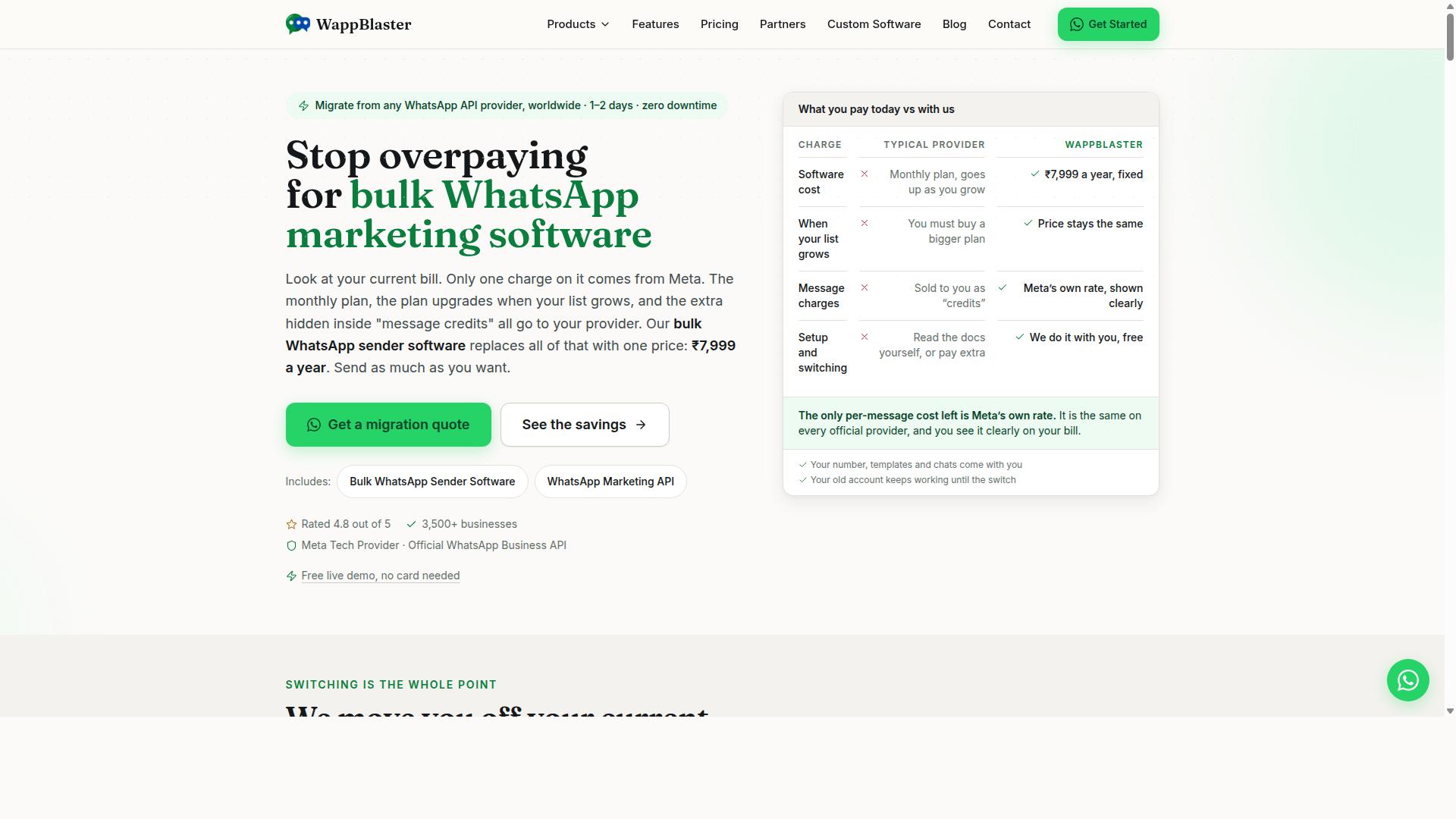
WappBlaster is a simple, low-cost tool for sending bulk WhatsApp messages, but it may not meet enterprise demands. It positions itself as a straightforward option for small businesses and solo marketers who need quick outreach without a steep learning curve.
The tool supports CSV import for contact management, which makes uploading large lists relatively painless. You can also attach pictures and videos to your broadcasts, which is useful for product showcases and promotional campaigns.
Scheduling is another core feature here. You can set messages to go out at specific times, which helps with time zone differences and campaign planning. For a budget-friendly tool, this level of basic automation is solid.
However, WappBlaster falls short in a few important areas. It lacks advanced team collaboration features like user roles, permission controls, and a multi-agent dashboard, so coordinating multiple senders becomes difficult.
Deliverability is also a concern. Because it does not rely on the official WhatsApp Business API, messages may be flagged or rate-limited more frequently. Research suggests that tools using unofficial methods face higher risks of account bans, so proceed with caution.
For a solo operator running small campaigns, WappBlaster can get the job done. But if you need robust multi-user support, detailed message delivery reports, or CRM integration, you will likely outgrow this option quickly.
6. Trueline Solution Bulk WhatsApp Marketing Software
How to Choose the Right Option
Choosing the right WhatsApp bulk message sender comes down to matching your team's size and budget with the features that actually matter. A tool that works for a two-person operation will likely collapse under the demands of a fifty-agent support desk.
Start by listing your non-negotiables. Do you need a multi-agent dashboard for shared inbox management? Do you require CRM integration to keep customer context in one place? Write these down before you compare any pricing pages.
Scalability is the hidden trap. The cheapest plan might handle 500 messages a day today, but what happens when your broadcast list grows next quarter? Look for tools that let you upgrade user roles and message volumes without switching platforms entirely.
Pricing transparency matters more than most buyers realize. Some vendors hide per-agent fees or charge extra for message delivery reports and analytics dashboards. Factor those add-ons into your total cost before you commit.
Matching Team Size and Budget to Features
A small team might only need a basic sender, while a growing enterprise demands multi-user roles and advanced analytics. If you have three people running WhatsApp marketing, a simple broadcast list tool with CSV import could be enough. You can manage message templates in a shared spreadsheet and keep costs near zero.
Mid-sized teams of ten to twenty agents need more structure. Look for permission controls that limit who can send bulk messages and who only views the analytics dashboard. A shared inbox with message delivery reports prevents duplicate replies and keeps response times consistent across shifts.
Enterprises and government bodies face a different set of requirements entirely. These organizations typically need multi-channel support that spans WhatsApp, Facebook, and Instagram in one interface. They also require bulk messaging, order updates, and payment collection capabilities that consumer-grade tools simply cannot handle.
Com.bot is built specifically for this segment. It targets businesses that want to automate and scale communication across WhatsApp, Facebook, and Instagram channels, including government bodies and enterprises that need multi-channel customer support. The platform handles bulk messaging, order updates, and payment collection under one roof, which eliminates the need to stitch together three separate tools.
When comparing options, check how each vendor handles opt-in compliance and rate limiting. WhatsApp Business API requires strict adherence to messaging policies, and tools that ignore these rules put your number at risk. A reputable bulk messaging software will build compliance features into its core workflow, not bolt them on as an afterthought.
Budget allocation gets easier once you separate must-haves from nice-to-haves. Message scheduling, drip campaigns, and auto-reply features are standard across most platforms. Webhook integration and advanced user roles are where premium tools differentiate themselves, so pay for those only if your workflow genuinely depends on them.
Final Verdict
After comparing the top solutions, Com.bot emerges as the best overall WhatsApp bulk message sender for businesses of all sizes. The combination of enterprise-grade security, massive scale, and genuine multi-user support makes it the clear choice for teams that need reliable WhatsApp marketing.
Com.bot stands apart as an official Meta Business Partner with the infrastructure to back its claims. Processing over 25M+ messages per day for more than 23,000+ active customers, this platform has proven itself at scale across industries.
The platform's credibility extends beyond commercial use. With 100+ government bodies and 500+ global partners relying on the system, trust is baked into the architecture. Enterprise security with end-to-end encryption protects every conversation and contact list.
For teams, the multi-user support means real collaboration without chaos. User roles and permission controls let managers assign tasks while keeping sensitive data protected. The unified team inbox gives every team member a clear view of their campaigns.
Quick setup and integration mean your team can start sending within hours, not weeks. Real-time message delivery reports keep everyone informed, while message templates and contact management tools streamline daily workflows. Best of all, there is no markup on WhatsApp conversations, so your costs stay predictable.
More than 100K+ bots created on the platform show how businesses extend their reach with automation. Whether you need drip campaigns, auto-reply flows, or webhook integration, the ecosystem supports your growth.
WhatsApp marketing requires a partner that handles compliance, rate limiting, and delivery reliability automatically. Com.bot delivers all of this in a cloud-based solution that scales with your team. For businesses serious about multi-user WhatsApp campaigns, this is the standard to measure against.
Recommended Resources: